
The short answer
A PDF workflow is safer when the file does not need to leave the device in the first place. Browser-local tools such as ByteDip’s PDF Metadata Viewer and Remover read and rewrite supported documents in the current tab rather than sending them to a conversion server.
That does not make every document risk-free. You still need to consider the device, browser permissions, the copy you eventually share, and whether the document contains information that should not be distributed at all.
Questions to ask before choosing a PDF tool
- Does the file upload to a server for processing?
- How long is the uploaded file retained, and who can access it?
- Does the tool create a new copy or alter the source document?
- What does the tool remove, and what does it explicitly not inspect?
- Is the result downloaded directly or stored in an account or workspace?
A clear local-processing boundary makes the first question easier to answer, but it should always be stated alongside the tool’s real limits rather than as a blanket security guarantee.
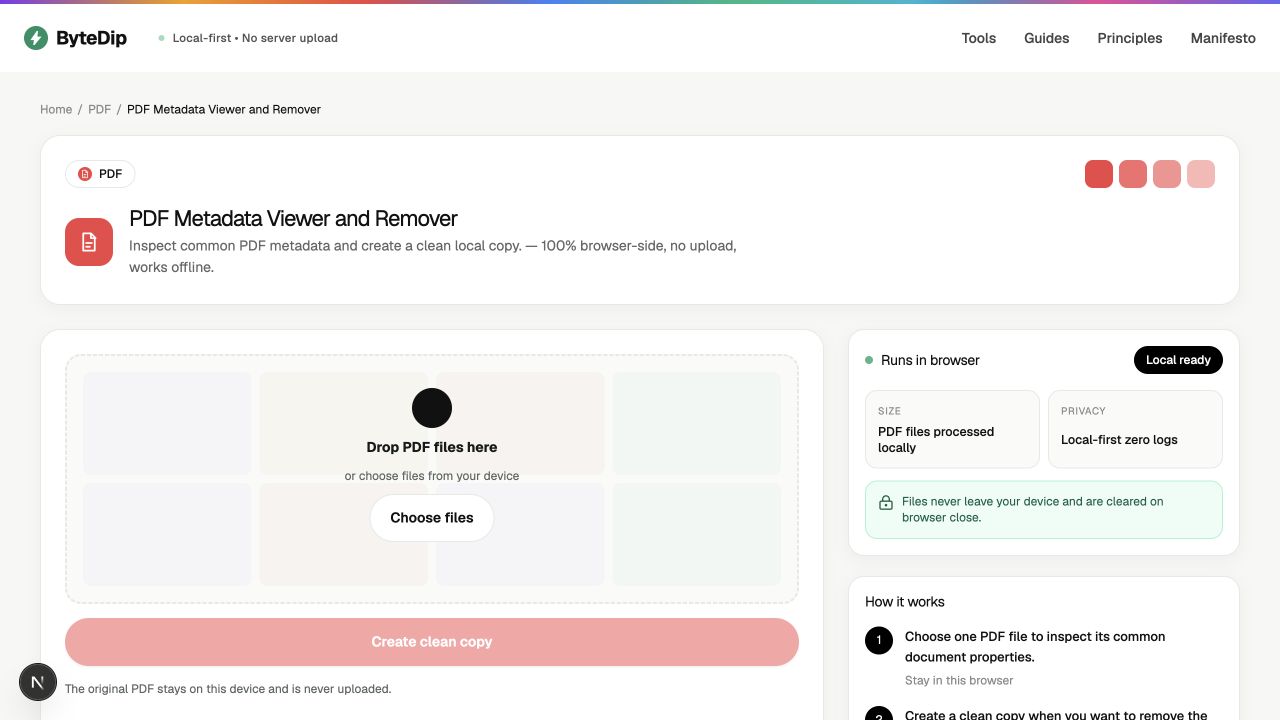
How to use a privacy-first PDF workflow
- Work from the original locallyKeep the source document on the device you trust and use a browser-local tool when the task is supported there.
- Inspect before sharingUse the metadata viewer to understand the common document properties exposed by the PDF format.
- Create a separate clean copyWhen appropriate, create a new copy with readable metadata removed. Leave the original unchanged for your records.
- Review the output and destinationOpen the copy, check its pages and content, then share it only through a destination appropriate for the document.
What local processing does not solve
Local processing does not remove sensitive content that is visibly printed on a page, protect a compromised device, or decide whether a recipient should receive the document. The PDF Metadata Viewer and Remover reports common metadata exposed by the format, not every embedded object.