
The short answer
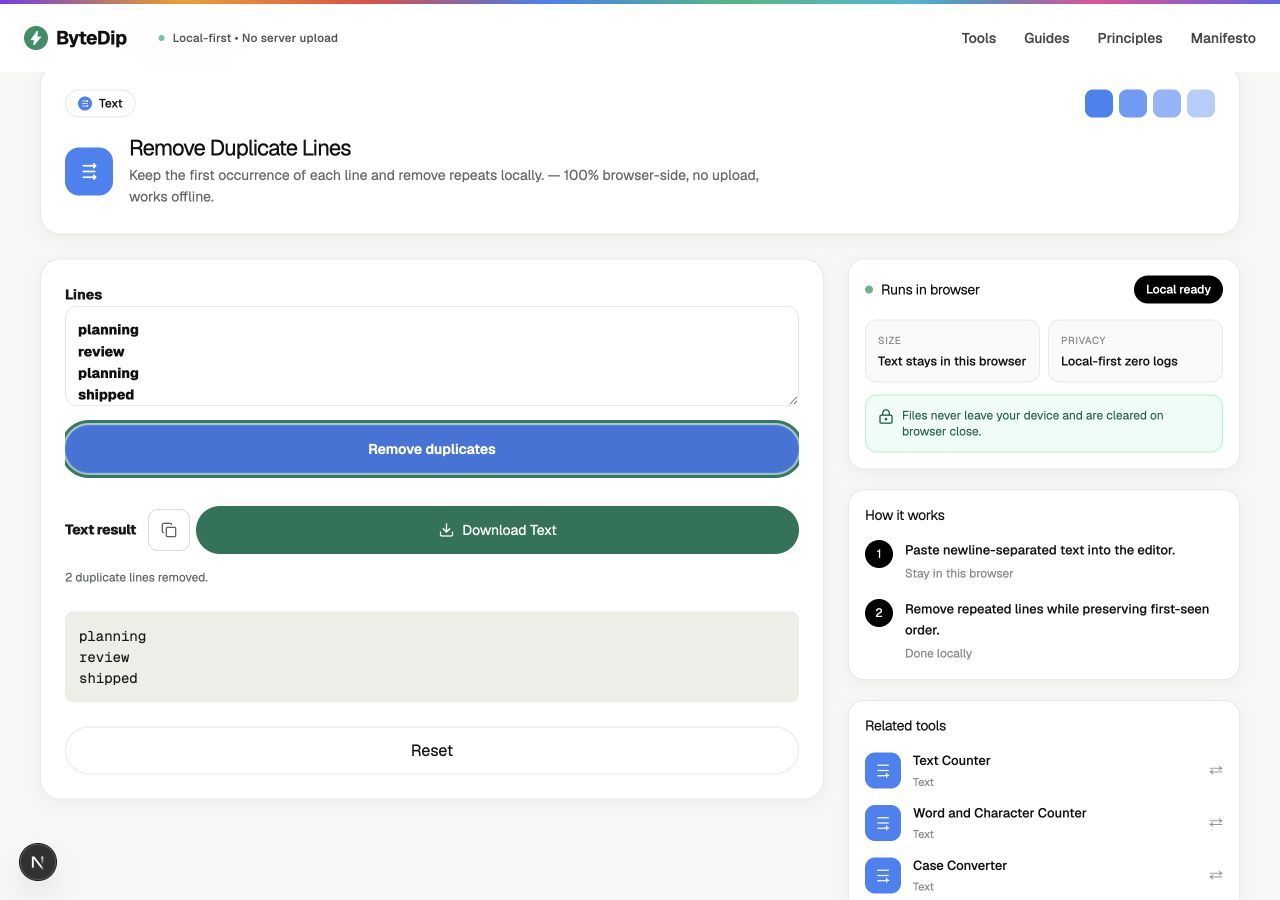
Paste your newline-separated text into ByteDip’s Remove Duplicate Lines tool and choose Remove duplicates. The tool keeps the first occurrence of each exact line, removes later repeats, and leaves the remaining lines in their original order.
This is different from sorting a list. A sorted list may be easier to scan, but it no longer reflects the order in which the data arrived. Deduplication is the better first step when order carries meaning.
When preserving order matters
A repeated-line cleanup often starts with data that came from somewhere else: a copied list of URLs, a set of notes, a log excerpt, or values exported from another tool. In those cases, the first-seen order can tell you how the list was assembled or which value should be treated as the original.
- Keep the first appearance of each value while removing later repeats.
- Avoid changing the sequence before you have reviewed the cleaned result.
- Use sorting as a separate step when you need an alphabetical or numeric list.
How to remove repeated lines
- Copy the list you want to cleanSelect the newline-separated text from your notes, spreadsheet, terminal, or source file. Keep the original copy until you have checked the result.
- Paste it into the editorOpen ByteDip’s Remove Duplicate Lines tool and paste the list into the Lines field.
- Remove the duplicatesChoose Remove duplicates. ByteDip reports how many repeated lines were removed and shows the cleaned text below the action.
- Review before copying or downloadingCheck the first occurrence of important values and confirm that the order is still right. You can then copy the result or download it as a plain-text file.
A small example
Suppose you have collected three project labels from different notes:
planning
review
planning
shipped
review
The cleaned result is:
planning
review
shipped
Planning stays first because it appeared first. Review stays before shipped for the same reason. Nothing is alphabetized or rearranged as part of deduplication.
What counts as a duplicate?
ByteDip uses exact line matching. It does not silently trim, lowercase, or otherwise rewrite your text before comparing lines. That makes the result predictable, but it also means that small differences are meaningful.
- “Alpha” and “alpha” are different lines because matching is case-sensitive.
- A line with an extra space is different from the same line without that space.
- Blank lines are treated like any other exact line: the first is retained and later identical blank lines are removed.
- Windows and Unix line endings are normalized while the text is split into lines.
What to do next
If the cleaned list should be alphabetical, use ByteDip’s Sort Lines tool after reviewing the deduplicated output. If capitalization is inconsistent, use Case Converter as a separate, visible step rather than combining multiple transformations without a checkpoint.
For sensitive text, the workflow is browser-local. ByteDip processes the supported input in the current tab and does not send the text or result to the server or analytics.